Everything you need to know before buying — plans, pricing, features, pros & cons
If you’ve been searching for a hosting provider that bridges the gap between beginner-friendly shared hosting and expensive enterprise cloud solutions, you’ve probably landed on Cloudways more than once. And for good reason.
In this in-depth cloudways review, I’ll walk you through everything Cloudways offers — what it is, how it works, who it’s best for, its pricing plans, standout features, honest pros and cons, and my final verdict. By the end, you’ll have a crystal-clear picture of whether Cloudways is the right hosting choice for your website or business.
| Quick Summary Cloudways is a managed cloud hosting platform trusted by 100,000+ businesses worldwide. It sits on top of major cloud providers (DigitalOcean, AWS, Google Cloud, Vultr, Linode) and handles all the server management for you — so you get cloud-level performance without needing to be a sysadmin. Plans start at just $11/month. |
Table of contents
Cloud Providers Available on Cloudways
Cloudways Pricing & Plans: Complete Breakdown
Key Features: What You Get With Every Plan
Optional Add-Ons Worth Knowing About
Support: How Cloudways Has Your Back 24/7
Cloudways Pros & Cons: An Honest Assessment
Real Results From Real Businesses
Should YOU Buy Cloudways? (Honest Decision Guide)
How to Get Started With Cloudways
What Is Cloudways? (And How Is It Different?)
Most hosting companies give you a shared server where your site sits alongside hundreds of others, competing for the same limited resources. When traffic spikes, your site slows down or crashes. That’s the shared hosting problem.
Cloudways takes a completely different approach. It’s a managed cloud hosting platform — meaning it acts as a layer between you and the world’s best cloud infrastructure providers. Instead of managing raw servers on AWS or DigitalOcean yourself (which requires serious technical knowledge), Cloudways gives you a polished, user-friendly dashboard to launch and manage cloud servers with just a few clicks.
Think of it this way: AWS and Google Cloud are like buying the raw ingredients. Cloudways is the chef that prepares the meal for you.
Key distinction: Unlike WP Engine or Kinsta which are fully closed ecosystems, Cloudways lets you choose your cloud provider and server specs. You get enterprise-grade infrastructure at a fraction of the price.
Who Is Cloudways Best For?
Cloudways is not a one-size-fits-all solution. Here’s a breakdown of who will benefit most:
- Freelancers & Bloggers who have outgrown shared hosting and want better speed without the complexity of managing a raw VPS.
- Digital Agencies managing multiple client websites that need a scalable, centralized platform.
- WooCommerce & eCommerce store owners who need reliability and speed during traffic spikes or flash sales.
- Developers who want control over server configuration without the DevOps overhead.
- Small to Medium Businesses (SMBs) looking for enterprise-level hosting at reasonable prices.
- WordPress publishers and media sites handling high or unpredictable traffic volumes.
Cloudways may not be ideal for complete beginners who just want to click ‘install WordPress’ and forget about hosting entirely. That said, its dashboard is remarkably intuitive compared to raw cloud providers.
Cloudways’ Two Core Products
Cloudways offers two distinct hosting solutions to serve different needs. Understanding the difference is critical to picking the right plan.
1. Cloudways Flexible
Cloudways Flexible is their flagship managed cloud hosting product. It gives you the freedom to:
- Choose your cloud provider: DigitalOcean, Vultr, Linode, AWS, or Google Cloud Engine
- Choose your server size: from a 2GB RAM micro server to a powerhouse with 128GB RAM
- Host unlimited applications on a single server (WordPress, WooCommerce, Magento, Laravel, PHP, Drupal)
- Scale your server vertically with just one click when your needs grow
This is ideal for agencies, developers, and businesses that want flexibility and control while still benefiting from managed hosting.
2. Cloudways Autonomous
Cloudways Autonomous is their premium, fully hands-off WordPress hosting product. It’s built on Google Kubernetes Engine (GKE) and features true autoscaling — meaning your server resources automatically expand and contract based on real-time traffic demand.
- No server management required whatsoever
- True autoscaling handles traffic spikes without downtime
- Load balancing across multiple baseline servers
- Includes free Cloudflare Enterprise CDN (worth $250/month)
- Includes Object Cache Pro + Relay (worth $95/month)
- Unmetered visits
Autonomous is best for high-traffic WooCommerce stores, LMS platforms, event/booking sites, influencer websites, and media publishers who cannot afford downtime.
| Which should you choose? Choose Flexible if you want control over your server, host multiple apps, or are on a budget. Choose Autonomous if your site experiences unpredictable traffic spikes and you want a completely hands-free, crash-proof WordPress experience. |
Cloud Providers Available on Cloudways
One of Cloudways’ biggest differentiators is the ability to choose your underlying cloud infrastructure. Here’s a quick comparison:
| Provider | Best For | Locations | Storage |
| DigitalOcean | Best value & fastest-growing | 9 regions | SSD & NVMe |
| Vultr | High-frequency performance | 30 regions | SSD & NVMe |
| Linode (Akamai) | Budget-friendly performance | 25 regions | SSD |
| AWS (Amazon) | Enterprise & global scale | 28 regions | Configurable |
| Google Cloud | AI/data-heavy workloads | 28 regions | Configurable |
With 50+ global data centers across all providers, you can deploy your server closer to your target audience — which directly reduces latency and improves load times.
Cloudways Pricing & Plans: Complete Breakdown
Cloudways Flexible Plans (Starting at $11/month)
Flexible plans are priced based on the cloud provider and server size you choose. All plans include unlimited websites, unlimited visits, the Lightning Stack, and 5 free AI Copilot credits.
DigitalOcean Plans (Most Popular)
| Plan | RAM | vCPU | Storage | Bandwidth | Price/mo |
| Micro | 2 GB | 1 | 50 GB | 2 TB | $11 |
| Small | 2 GB | 1 | 50 GB | 2 TB | $11 |
| Medium (Most Popular) | 8 GB | 4 | 160 GB | 5 TB | $88 |
| 8XL | 128 GB | 24 | 2560 GB | 11 TB | $342 |
Note: Cloudways also supports General Purpose, CPU Optimized, Standard, and Premium server types on DigitalOcean, with NVMe-powered premium servers delivering higher network throughput up to 10 Gbps.
Cloudways Autonomous Plans
Autonomous plans are WordPress-only and priced based on your baseline autoscaling capacity:
| Plan | Sites | Baseline Servers | Disk | Bandwidth | Visits | Price/mo |
| Free Trial | 1 | 1 | 20 GB | 150 GB | Unmetered | $0 (3 days) |
| Growth | 1 | 1 | 20 GB | 150 GB | Unmetered | $100 |
| Scale (Best for WooCommerce) | 1 | 2 | 50 GB | 250 GB | Unmetered | $200 |
| Plus (LMS & Large Stores) | 1 | 3 | 100 GB | 1000 GB | Unmetered | $400 |
| Enterprise | Custom | Custom | Custom | Custom | Unmetered | Custom |
All Autonomous plans include True Autoscaling, Cloudflare Enterprise CDN, Redis Caching, Object Cache Pro + Relay, and Free Managed Migration.
| Pay-As-You-Go Billing Cloudways charges hourly (not monthly in advance). You only pay for what you use. If you scale up during peak traffic and scale back down, you’re billed precisely. Invoices are generated monthly in arrears — no surprise bills, no lock-in contracts. |
Key Features: What You Get With Every Plan
Cloudways Lightning Stack — Up to 65% Faster Performance
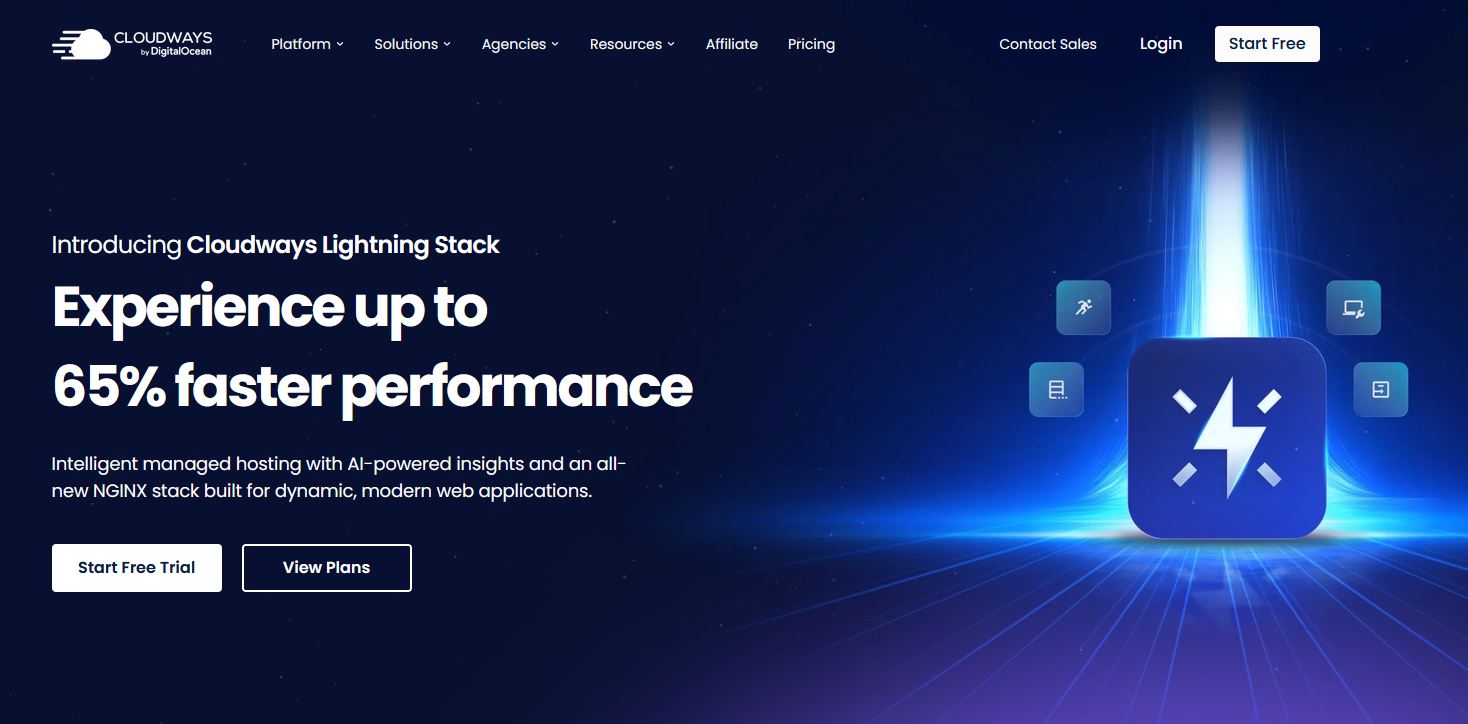
Cloudways recently introduced their Lightning Stack — an all-new NGINX and PHP-FPM based web server configuration engineered for modern dynamic web applications. Benchmarks show it delivers up to 65% faster page load times compared to traditional Apache-based stacks.
The Lightning Stack directly improves your Core Web Vitals scores — which matter both for user experience and Google search rankings.
Cloudways Copilot (AI-Powered Diagnostics)
Cloudways Copilot is an AI-powered server monitoring and troubleshooting tool that constantly watches your server’s critical components: webstack, disk, host, and disk inodes. When it detects anomalies or potential issues, it doesn’t just alert you — it outlines the root cause and provides actionable recommendations to fix it automatically.
This is like having a 24/7 DevOps engineer monitoring your server. Every paid plan comes with 5 free AI Copilot credits to get started.
Enterprise-Grade Security (Built In)
- Server-level Firewall powered by Imunify360
- IP and Country blocking
- Brute force protection
- Bot protection
- DDoS protection at layers 3, 4, and 7 (via Cloudflare on Autonomous)
- Free Let’s Encrypt SSL certificates with 1-click deployment
- Malware scanning and vulnerability alerts
- Auto-healing servers that detect and recover from failures
Cloudways’ infrastructure is SOC 2, ISO 27001, GDPR, and PCI DSS compliant — making it suitable for handling sensitive data including payments.
Real-Time Server Monitoring
The Cloudways dashboard gives you live visibility into 15+ server metrics including CPU usage, RAM, disk I/O, and network throughput. CloudwaysBot sends automated alerts to your email or Slack when thresholds are breached, so you’re never caught off guard.
Free Website Migration
Cloudways will migrate your first website from any existing host to their platform for free, handled by their expert engineers. This removes one of the biggest barriers to switching hosts — the fear of technical complexity or downtime during migration.
Developer-Friendly Tools
- SSH and SFTP access
- Git integration
- WP-CLI support for WordPress
- Multiple PHP versions per application (PHP 7.4 through 8.2)
- 1-click staging environments and cloning
- MySQL database manager built-in
- Cloudways REST API for automation
Global Data Centers
With 50+ data center locations spanning 200+ countries through its cloud provider network, Cloudways lets you deploy your server in the region closest to your visitors. Lower physical distance means lower latency and faster load times — period.
Optional Add-Ons Worth Knowing About
| Add-On | What It Does | Price |
| Cloudflare Enterprise CDN | Edge caching, smart routing, WAF, DDoS protection | From $4.99/domain/mo |
| SafeUpdates | Auto-detects, tests & deploys WordPress updates safely | From $3/app/mo |
| Malware Protection | Automated malware scanning & removal | From $4/app/mo |
| Rackspace Email | Professional email hosting | $1/mailbox/mo |
| DNS Made Easy | Instant DNS propagation with fast TTLs | $0.50/domain/mo |
| Site Manager | Manage all WordPress sites from one dashboard | From $3/app/mo |
| Advanced Support | Plugin/theme troubleshooting & performance tuning | $25/mo flat (limited offer) |
Support: How Cloudways Has Your Back 24/7
One of the most common complaints about web hosting is poor, slow, or outsourced support. Cloudways breaks this pattern with genuine 24/7 expert human support via live chat and ticketing.
| Metric | Performance |
| Average Response Time | 90 Seconds |
| Customer Satisfaction (CSAT) Score | 96% |
| Net Promoter Score (NPS) | 73 (Industry Leading) |
| Availability | 24/7/365 |
| G2 Rating | 4.7 Stars |
For users who need deeper technical help — including plugin and theme troubleshooting, performance optimizations, and proactive monitoring — the Advanced Support add-on is available at a special limited-time rate of $25/month flat (normally $100/month or 10% of invoice).
Cloudways Pros & Cons: An Honest Assessment
What Cloudways Does Really Well
- Exceptional price-to-performance value compared to Kinsta or WP Engine at similar specs
- Freedom to choose your cloud provider and scale server resources up or down with 1 click
- Lightning Stack delivers genuinely faster page loads and better Core Web Vitals
- Transparent, pay-as-you-go hourly billing — no contracts, no renewal price hikes
- Free first website migration handled by engineers
- 3-day free trial with no credit card required
- Unlimited apps and visits on all Flexible plans
- AI-powered Copilot for automated server diagnostics
- Industry-leading 96% CSAT support score
Where Cloudways Has Room to Improve
- Not the simplest platform for absolute beginners with zero hosting experience
- Email hosting is not included (requires a paid Rackspace add-on)
- Autonomous plans are WordPress-only and pricier than Flexible for the same traffic
- Some advanced server configurations still require SSH knowledge
- Bandwidth overage charges apply on AWS and GCP plans
Real Results From Real Businesses
Numbers speak louder than marketing claims. Here are verified results from Cloudways customers:
| Pangolia Grew monthly readership from 3M to 9M after migrating to Cloudways | D8 Super Store Managed $1M+ in sales and a 200% traffic spike with zero downtime | PLATO Cut hosting costs by 80% while serving 17M+ users across 160+ countries |
| Safety Australia Improved site speed by 40% and increased course bookings | Jan & Jul Reduced server costs by 50%, homepage load time dropped to 1.2s | Blogging Wizard 2.6M views and $600K in commissions with reliable uptime |
Cloudways vs. The Competition
How does Cloudways stack up against other popular options?
| Feature | Cloudways | Kinsta | WP Engine | Shared Hosting |
| Starting Price | $11/mo | ~$35/mo | ~$30/mo | ~$3/mo |
| Cloud Provider Choice | Yes (5 providers) | Google Cloud only | No | No |
| Unlimited Apps | Yes | No | No | Varies |
| Free Trial (No Card) | Yes (3 days) | No | No | Varies |
| Autoscaling | Yes (Autonomous) | No | Partial | No |
| Server-Level Firewall | Yes | Yes | Yes | Limited |
| AI Diagnostics | Yes (Copilot) | No | No | No |
| 24/7 Expert Support | Yes (all plans) | Yes | Yes | Limited |
| Pay-As-You-Go | Yes | No | No | No |
The value proposition is clear: Cloudways delivers enterprise-level features at prices that beat dedicated managed hosting competitors while giving you more flexibility than either shared hosting or raw cloud platforms.
Should YOU Buy Cloudways? (Honest Decision Guide)
| Buy Cloudways if you… Are running or planning to run a WordPress, WooCommerce, Magento, Laravel, or PHP application and want better speed than shared hosting • Are a developer or agency managing multiple client sites • Want transparent billing without price hikes at renewal • Need a staging environment, Git integration, or developer tools • Are scaling a business and need a hosting platform that grows with you |
| Consider alternatives if you… Are a complete beginner who just needs a simple blog with no technical skills whatsoever • Need email hosting included (Cloudways doesn’t include it natively) • Are on an extremely tight budget (under $11/month) and shared hosting meets your current traffic needs |
How to Get Started With Cloudways
Getting started is straightforward, and you can try it risk-free:
- Start your free 3-day trial — no credit card needed. Click the affiliate link below.
- Choose your product: Flexible (for control & multiple apps) or Autonomous (for hands-free WordPress autoscaling)
- Select your cloud provider and server size. For most new users, DigitalOcean Basic 2GB ($11/mo) is a perfect starting point
- Launch your server in minutes. Cloudways handles all configuration automatically
- Deploy your application with 1-click from the apps panel
- Migrate your existing site for free using their expert migration service
| 🚀 Ready to Supercharge Your Hosting? Start your free 3-day trial today — no credit card required. 100,000+ businesses trust Cloudways to power their websites. ► [Buy Cloudways Hosting] ◄ |
Frequently Asked Questions
Is Cloudways good for beginners?
Cloudways is beginner-friendly compared to raw cloud providers like AWS, but it’s not as simple as drag-and-drop website builders. If you’re comfortable installing WordPress and know basic terms like FTP and SSL, you’ll manage perfectly. Their support team is always available if you get stuck.
Can I host multiple websites on one Cloudways server?
Yes. Cloudways Flexible allows unlimited applications on a single server. This makes it extremely cost-effective for agencies or developers managing multiple client sites.
Does Cloudways offer a money-back guarantee?
Cloudways offers a 3-day free trial with no credit card required instead of a traditional money-back guarantee. You can test the platform fully before committing to a paid plan.
Is Cloudways GDPR compliant?
Yes. Cloudways operates on partner infrastructure that is SOC 2, ISO 27001, GDPR, and PCI DSS compliant. You can also choose European data centers (Amsterdam, Frankfurt, London) to keep data within EU jurisdiction.
What happens if I exceed my bandwidth?
Cloudways follows a pay-as-you-go model for bandwidth overages. On DigitalOcean, additional bandwidth is $0.02/GB. On AWS it’s $0.12/GB and on GCP it’s $0.10–$0.17/GB depending on region. There are no hard cutoffs — your site stays online.
Can I cancel cloudways website hosting anytime?
Yes. There are no long-term contracts on Cloudways. You can cancel at any time and will only be billed for what you’ve used up to that point.
Final Verdict
After years of the hosting industry being dominated by overcrowded shared servers with flashy introductory prices and painful renewals, Cloudways is a breath of fresh air. It offers genuine cloud-level performance, transparent pay-as-you-go pricing, and the flexibility to choose your infrastructure — all wrapped in a user-friendly dashboard backed by expert 24/7 support.
Is it perfect? No. If you need email hosting included, or you’re on an absolute shoestring budget, you’ll need to plan around those gaps. But for anyone serious about their website’s performance, reliability, and growth, Cloudways consistently delivers exceptional value.
My rating: ★★★★★ 4.8 / 5 — Highly Recommended
| 🚀 Ready to Supercharge Your Hosting? Start your free 3-day trial today — no credit card required. 100,000+ businesses trust Cloudways to power their websites. ► [Buy Cloudways Hosting] ◄ |
Disclosure: This post contains affiliate links. If you purchase through my link, I may earn a commission at no additional cost to you. I only recommend products I genuinely believe in.