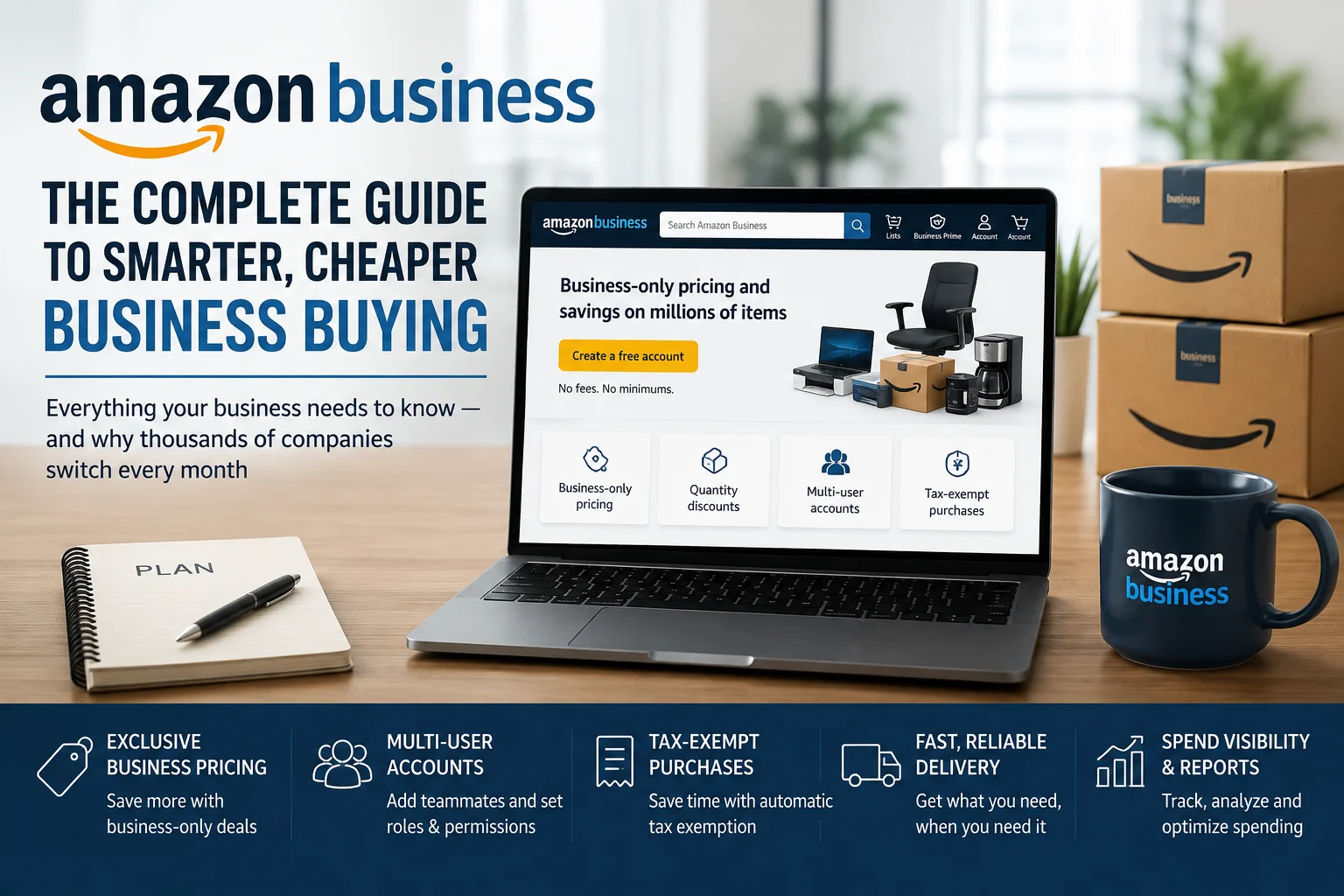
Everything your business needs to know — and why thousands of companies switch every month
If you run a business — small, medium, or enterprise — there is a good chance you are paying more for supplies than you need to, spending too many hours on purchasing approvals, and losing visibility into where your money actually goes. You are not alone. Procurement is one of the most under-optimized parts of running a business, and it quietly costs companies thousands of dollars every year.
Amazon Business was built specifically to fix that. It takes the convenience, selection, and pricing that Amazon is known for and adds a layer of professional tools designed for how businesses actually buy: approval workflows, tax exemption, bulk discounts, spend analytics, multi-user accounts, and much more. And it is completely free to create an account.
This guide breaks down exactly what Amazon Business is, who it is for, what problems it solves, and how to get the most out of it. By the end, you will have a clear picture of whether it is the right fit for your organization — and how to get started today.
Ready to stop overpaying for business supplies? Create your free Amazon Business account here → business.amazon.com
What Is Amazon Business?
Amazon Business is Amazon’s dedicated platform for companies, organizations, and institutions that need to purchase goods at scale. It is not a separate website — it sits on top of Amazon’s existing marketplace, giving business buyers access to the same hundreds of millions of products but with a completely different set of tools, pricing structures, and controls layered on top.
Launched in 2015 and now serving millions of customers worldwide — from sole traders to global enterprises, from schools to hospitals to government departments — Amazon Business has become one of the world’s largest B2B e-commerce platforms. The core promise is simple: combine the selection, convenience, and value of Amazon with features that help improve business purchasing.
Here is what that means in practice: your business gets its own account separate from any personal Amazon account, with a dedicated dashboard, user management, purchasing controls, reporting tools, and exclusive business-only pricing. Multiple employees can be added, each with tailored permissions. Every purchase is tracked, categorized, and reportable. And because it is Amazon, the product range is enormous — from office supplies and IT accessories to industrial equipment, medical consumables, food service products, and everything in between.
Who Is Amazon Business For?
Amazon Business serves a surprisingly wide range of buyers. If your organization spends money on physical goods of any kind, there is almost certainly a use case here.
Small and Medium-Sized Businesses
For small businesses, Amazon Business solves the problem of paying retail prices for things you buy regularly. Whether you run a restaurant, a salon, a consultancy, a retail store, or a trade business, the purchasing tools give you visibility and control that was previously only available to large procurement teams.
Enterprises and Large Organizations
Large organizations benefit most from the integration and compliance features: approval workflows, ERP system integration, policy-based purchasing guardrails, multi-location delivery, and advanced analytics. Enterprise clients can consolidate purchasing across departments and locations into a single, reportable system.
Education Institutions
Schools, colleges, and universities are among Amazon Business’s largest customer segments. The platform offers educator discounts, tax exemption processing, and the ability to manage purchases across multiple departments — a particular advantage for districts managing dozens of schools simultaneously.
Healthcare and Medical Organizations
Hospitals, clinics, care homes, and medical practices use Amazon Business to purchase medical supplies and consumables, PPE, breakroom supplies, and equipment. The compliance and approval features help these organizations maintain purchasing standards without slowing down operations.
Nonprofits and Government
Nonprofits benefit from tax exemption features and responsible purchasing tools that support missions of diversity, sustainability, and community investment. Government buyers get the compliance infrastructure they need alongside the pricing and selection advantages of the Amazon marketplace.
The Real Problems Amazon Business Solves
The best way to understand Amazon Business is through the problems it was built to fix. These are the pain points that businesses of every size face when buying at scale — and the specific ways the platform addresses them.
1. Paying Retail Prices When You Should Be Getting Business Pricing
Your business buys the same products again and again, but you are paying the same price as an individual consumer. There are no volume discounts, no loyalty savings, and no way to negotiate better rates across everything you buy.
Amazon Business Solution: Amazon Business unlocks business-only pricing on millions of products that is not visible to regular Amazon shoppers. You also get quantity discounts that apply automatically as you increase order size, and access to case packs at reduced per-unit prices. The more you buy, the more you save — automatically.
2. No Visibility Into Where the Company’s Money Is Going
Employees buy things on the company card and nobody has a clear picture of what was purchased, by whom, from which suppliers, or across which categories. At month end, the finance team is piecing together expenses from multiple sources with no coherent reporting.
Amazon Business Solution: Amazon Business includes Spend Insights — a built-in analytics dashboard that gives you pre-built and custom reports on all purchasing activity across your organization. You can see spending by user, department, product category, supplier, and time period. This makes budget reviews faster, identifies waste, and gives procurement managers the data they need to negotiate better.
3. Employees Buying Whatever They Want with No Approval
There is no purchasing policy in practice. Employees buy what they want, when they want, from wherever they want. The company only finds out about unauthorized purchases when the invoice arrives or the credit card statement comes in.
Amazon Business Solution: Amazon Business lets you set up Approval Workflows that require purchases above a defined threshold — or in certain product categories — to be approved by a manager before the order is placed. You can also use Guided Buying to restrict which products or suppliers employees can purchase from, keeping spending within approved categories. This brings real procurement policy into daily purchasing without requiring complex software.
4. Managing Purchasing Across Multiple Users and Locations Is a Nightmare
You have multiple employees who need to place orders, multiple sites that need deliveries, and no clean way to manage who can buy what, where things get shipped, and who gets billed. Every order is an ad hoc arrangement that creates confusion and errors.
Amazon Business Solution: Amazon Business’s Team Management features let you add unlimited users to your account, assign different permission levels (viewer, requester, buyer, administrator), create separate buying groups for different departments or locations, and set individual spending limits. Each group can have its own delivery address, payment method, and purchasing rules. Everything stays in one account, visible to administrators.
5. Wasting Time on Tax Exemption Paperwork
Your organization is tax-exempt, but claiming that exemption on purchases is a manual, slow, and inconsistent process. You end up paying tax you should not be paying, or spending hours on recovery paperwork after the fact.
Amazon Business Solution: Amazon Business handles tax exemption automatically once your documentation is uploaded to the account. Eligible purchases are processed as tax-exempt without any manual intervention at checkout. For organizations like nonprofits, schools, hospitals, and government bodies, this alone can represent significant annual savings.
6. No Easy Way to Buy in Bulk at a Fair Price
You need to buy large quantities of products regularly — cleaning supplies, paper, packaging, PPE, kitchen consumables — but retail quantities and retail prices make bulk buying inefficient. Finding a wholesale supplier for every category takes time you do not have.
Amazon Business Solution: Amazon Business’s Bulk Buying feature gives you access to quantity discounts on millions of products, applying savings automatically as you increase order size. Case packs and industrial quantities are clearly listed. You can compare multiple sellers on price, delivery speed, and quantity options side by side, and set up recurring orders so you never run out of what you need.
7. No Transparency About Supplier Quality or Business Credentials
When buying from unknown suppliers, you have no way to verify they are legitimate businesses, compliant with regulations, or selling genuine products. A bad purchase can mean a delayed operation, a compliance failure, or worse.
Amazon Business Solution: Amazon Business displays supplier credentials directly on product listings, including business certifications, seller ratings, number of reviews, and whether the seller is Amazon itself. You can filter by supplier type, choose Business Prime sellers for guaranteed delivery speeds, and see whether a product qualifies as a diverse supplier or sustainability-certified product for responsible purchasing goals.
8. Procurement Systems That Do Not Talk to Each Other
Your company has an ERP, an accounts payable system, or a procurement platform, but none of them connect to how you actually buy things. The result is double data entry, reconciliation errors, and a purchasing process that runs on spreadsheets and email.
Amazon Business Solution: Amazon Business offers Systems Integration with major ERP and procurement platforms including SAP, Oracle, Coupa, Jaggaer, Ariba, and others. Once integrated, purchase orders flow directly from your existing system into Amazon Business and back, with invoices automatically reconciled. This eliminates manual data entry and brings Amazon’s selection into your existing procurement workflow.
Key Features of Amazon Business: A Deep Dive
Spend Insights and Business Analytics
Understanding where your money goes is the foundation of procurement improvement. Amazon Business Spend Insights gives you a real-time dashboard of all purchasing activity across your account. You can build custom reports filtered by user, team, product category, supplier, or date range. The system flags unusual spending patterns and lets managers set alerts for out-of-policy purchases. For organizations that have previously managed procurement in spreadsheets, this is a transformational upgrade.
Approval Workflows and Guided Buying
These two features work together to put real purchasing policy into practice. Approval Workflows create a digital approval chain that activates when an order meets defined criteria — above a certain price, from an unapproved supplier, or in a restricted category. Guided Buying goes further, setting up preferred products and preferred suppliers so that buyers see the organization’s approved options first, with non-approved alternatives clearly flagged. Together, these features reduce maverick spend, ensure compliance, and give finance teams confidence that purchasing is happening within agreed parameters.
Bulk Buying and Quantity Discounts
The bulk buying program on Amazon Business covers millions of products across every category. When you navigate to a product, you will see tiered pricing that shows the per-unit cost at different quantity levels. These discounts are applied automatically at checkout — no coupon code, no negotiation, no minimum order requirements from a separate supplier. Case packs are clearly labelled and priced. For high-frequency consumables like cleaning supplies, paper products, batteries, or packaging materials, the savings over time are significant.
Business Prime
Business Prime is Amazon Business’s paid membership tier, offering free and fast delivery across millions of items, extended purchase authorization and approval features, enhanced analytics, Spend Visibility powered by AWS, and access to Amazon’s Guided Buying features. Plans start at a level suitable for sole traders and scale to enterprise packages covering unlimited users. Members also gain access to Prime Business Rewards, which earns points on eligible purchases that can be redeemed against future orders. The delivery benefits alone — free two-day or one-day shipping on millions of items — frequently generate a return greater than the membership cost for organizations that order regularly.
Amazon Quick: Your AI Assistant for Work
A newer addition to the Amazon Business ecosystem is Quick, an AI assistant built for workplace purchasing. Available to Prime Business members (free to try for 30 days, then 20% discount as a member), Quick helps procurement managers and buyers navigate the catalogue, compare products, track spending, and manage recurring orders through natural language queries. As AI becomes embedded in procurement workflows, Quick represents Amazon Business’s bet on making business buying as intuitive as conversational interaction.
Responsible Purchasing
For organizations with sustainability, diversity, or social impact goals tied to their procurement, Amazon Business provides dedicated filtering and reporting tools. You can filter suppliers by certifications including women-owned, minority-owned, veteran-owned, small business, and environmentally certified. You can set organizational targets for responsible purchasing and track progress over time. This is particularly valuable for organizations that report on ESG metrics, bid for government contracts with supplier diversity requirements, or have board-level commitments to responsible sourcing.
Delivery and Logistics
Amazon Business offers customized delivery preferences at the account level, group level, and order level. You can designate specific delivery addresses for different sites, set delivery windows that fit your operations, and request consolidated deliveries to reduce the number of shipments your receiving team processes. Replenishment services allow you to set up automatic reordering for high-frequency consumables based on predefined intervals or stock level triggers. For organizations with complex logistics needs — multiple sites, restricted delivery areas, or specialized handling requirements — the platform also offers professional delivery services.
How to Create Your Amazon Business Account: Step by Step
Getting started with Amazon Business is straightforward, and the account itself is completely free to create. Here is the process:
- Go to business.amazon.com and click “Create a free account.”
- Enter your work email address. If you already have a personal Amazon account, you can convert it to a Business account or keep both running separately.
- Verify your email address and set a password for your business account.
- Enter your business name, type, and address. Amazon Business supports sole traders, partnerships, limited companies, nonprofits, educational institutions, and government bodies.
- Add your payment method. Amazon Business supports credit cards, debit cards, corporate purchasing cards, and invoice payments for qualifying organizations.
- Set up your account structure: add additional users, create buying groups, and configure permissions according to how your organization needs to buy.
- If your organization is tax-exempt, upload your exemption documentation during account setup.
- Optionally, start a Business Prime free trial to access the full suite of premium features before committing to a paid plan.
The entire process takes less than 15 minutes. Once your account is live, you can begin purchasing immediately while configuring your approval workflows, user permissions, and reporting preferences in the background.
Create your free Amazon Business account now at business.amazon.com — it takes less than 15 minutes and there is no commitment required.
Amazon Business Across Industries: Real-World Applications
Retail and E-Commerce
Retailers use Amazon Business to source packaging materials, point-of-sale supplies, cleaning products, and back-office consumables at scale. The bulk buying tools and spend analytics help retail operations managers keep supply costs under control across multiple store locations.
Healthcare and Medical Practices
Clinics, dental practices, care homes, and hospitals use Amazon Business for PPE, examination gloves, consumables, office supplies, and breakroom products. The approval workflows ensure that clinical purchasing stays within budget, while tax exemption features reduce administrative overhead significantly.
Education
Schools and universities benefit from Amazon Business’s educator discounts, currently running from July 6 to October 2, 2026 on school supplies. Purchasing administrators can manage budgets across departments, track spending by academic department, and ensure that purchasing stays compliant with institutional policies. The responsible purchasing features help institutions meet supplier diversity commitments.
Hospitality and Food Service
Hotels, restaurants, and catering businesses use Amazon Business for food service supplies, cleaning products, linens, small appliances, and maintenance materials. The replenishment service is particularly valuable for hospitality operators who need consistent stock of consumables without the administrative burden of manual reordering.
Construction and Maintenance
Contractors and property managers use Amazon Business for tools, maintenance supplies, safety equipment, and electrical components. The ability to purchase exactly what is needed, delivered to site, reduces the time and cost of sourcing from multiple trade suppliers. The IT services integration means devices can arrive pre-configured for worksites.
7 Tips to Get Maximum Value from Amazon Business
1. Set up Approval Workflows on day one. Do not wait until you have a maverick spending incident to implement purchasing controls. Define your approval thresholds, configure the workflow, and start with policy from the beginning.
2. Upload your tax exemption documentation immediately. If your organization qualifies for tax exemption, uploading your documentation during setup means every eligible purchase is processed correctly from your first order. Retroactive recovery is possible but slower.
3. Use Spend Insights to identify your top spending categories. In the first month, run a category-level spending report. You will likely find two or three categories that account for a disproportionate share of spend — those are where bulk buying and supplier consolidation will generate the most savings.
4. Consolidate your suppliers. If you are currently buying similar products from multiple suppliers, consolidating those purchases into Amazon Business will improve your spend visibility, simplify reconciliation, and often reduce per-unit costs through combined volume.
5. Try Business Prime before committing. The free trial gives you access to all premium features including enhanced analytics, Guided Buying, and free fast delivery. Use the trial period to calculate your actual delivery cost savings and determine which plan tier makes sense.
6. Integrate with your existing systems. If your company uses an ERP, accounts payable platform, or procurement tool, connect it to Amazon Business as early as possible. The integration eliminates double data entry and makes Amazon Business a natural extension of your existing workflow rather than a separate system to manage.
7. Use the Responsible Purchasing filters strategically. If your organization has supplier diversity or sustainability commitments, set up Responsible Purchasing goals in your account settings and use the reporting tools to track progress. This turns compliance from a manual reporting exercise into an automated tracking process.
Amazon Business Free vs. Business Prime: What Is the Difference?
The core Amazon Business account is completely free and gives you access to business-only pricing, multi-user account management, approval workflows, spend analytics, tax exemption processing, and the full Amazon product catalogue. For the majority of small businesses, the free account delivers significant value with no cost commitment.
Business Prime adds fast and free shipping on millions of products, extended pay-by-invoice terms, Spend Visibility powered by AWS, enhanced Guided Buying features, and access to Amazon Quick. Plans start at low annual fees for single users and scale to enterprise tiers for unlimited users. The delivery savings alone frequently justify the cost for organizations placing regular orders.
The recommendation for most organizations is to start with the free account, place orders for a month to understand your purchasing patterns, then use the Prime free trial to evaluate whether the premium features — especially the delivery benefits and enhanced analytics — justify the plan cost for your specific use case.
Start Buying Smarter Today
Amazon Business is not a minor upgrade to how your business buys. For organizations that take it seriously — using the analytics, implementing the approval workflows, taking advantage of the bulk pricing, and integrating it with existing systems — it is a genuine transformation in procurement efficiency and cost control.
The account is free, the setup takes minutes, and the potential savings begin from your first order. There is no long-term commitment, no complex onboarding, and no minimum spend requirement.
Millions of businesses worldwide have already made the switch. The question is not whether Amazon Business can work for your organization. The question is how much you are leaving on the table by not using it.
Create your free Amazon Business account at business.amazon.com No cost. No commitment. Start saving on your first order.
Disclosure: This article contains affiliate links. If you sign up for Amazon Business through links in this post, we may earn a commission at no additional cost to you. All product features and pricing information are accurate as of August 2026. Visit business.amazon.com for the latest details.