

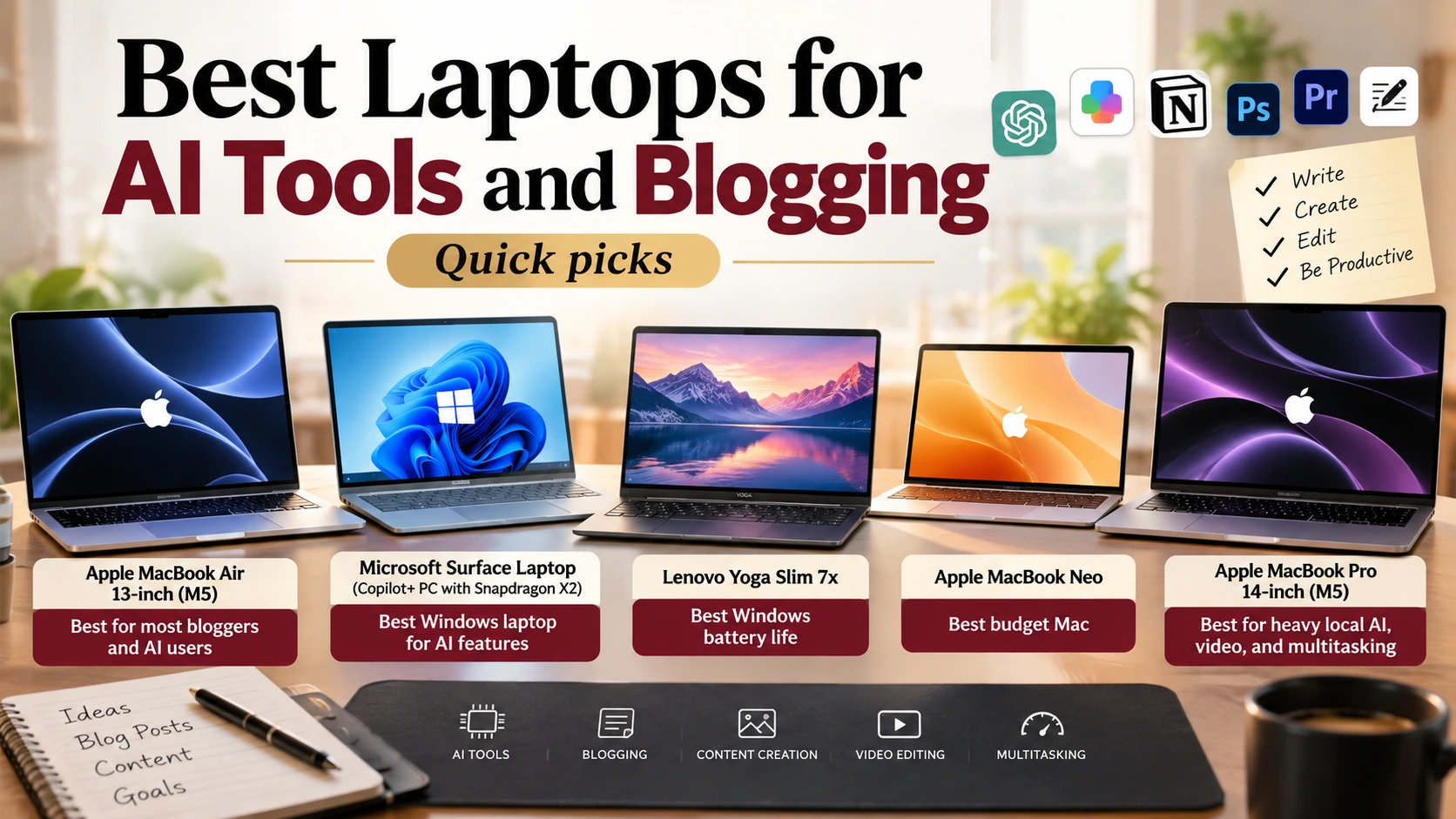
Quick picks
- Best for most bloggers and AI users: Apple MacBook Air 13-inch (M5)
- Best Windows laptop for AI features: Microsoft Surface Laptop (Copilot+ PC with Snapdragon X2)
- Best Windows battery life: Lenovo Yoga Slim 7x
- Best budget Mac: Apple MacBook Neo
- Best for heavy local AI, video, and multitasking: Apple MacBook Pro 14-inch (M5)
Disclosure: As an Amazon Associate, I earn from qualifying purchases. This costs you nothing extra.
Do you need an “AI laptop” for AI tools?
Every laptop ad now promises AI. But here’s the truth most ads won’t tell you: popular tools like ChatGPT, Claude, Gemini, and most AI writing and image apps run in the cloud. They work in a web browser on almost any modern laptop.
So for bloggers, writers, and content creators, the things that matter most are the same as always: a fast processor, enough memory to keep many tabs and apps open, a great keyboard and screen, and long battery life. On-device AI features are a bonus, not a requirement.
This guide explains when on-device AI actually matters and which laptops are best for blogging and AI-powered work in 2026. If you’re new to AI assistants, start with our Complete Guide to Claude AI.
How we chose: We have not tested these laptops ourselves. Our picks are based on benchmark testing and reviews from Tom’s Hardware, CNN Underscored, TechRadar, and others, plus manufacturer specifications.
Comparison table
| Laptop | Chip | Platform | Best for | Standout strength | Price tier |
| MacBook Air 13-inch (M5) | Apple M5 | macOS | Most bloggers and creators | Top-rated all-rounder; very long battery life | Mid to premium |
| Surface Laptop (Copilot+ PC) | Qualcomm Snapdragon X2 | Windows on Arm | Windows users who want on-device AI features | Copilot+ features, strong battery | Premium |
| Lenovo Yoga Slim 7x | Qualcomm Snapdragon | Windows on Arm | Long workdays away from a charger | Excellent battery life | Mid |
| MacBook Neo | Apple silicon | macOS | Budget buyers who want a Mac | Low price, aluminum design | Budget |
| MacBook Pro 14-inch (M5) | Apple M5 family | macOS | Video editing, local AI models | Top performance, more memory options | Premium |
Check live prices and configurations on Amazon; laptop prices vary a lot by memory and storage.
What AI tools actually need from a laptop
Cloud AI vs on-device AI
| Type | Examples | What your laptop needs |
| Cloud AI | ChatGPT, Claude, Gemini, most AI writing and image apps | A modern browser and a good internet connection. Almost any recent laptop works. |
| Built-in OS AI | Copilot+ PC features on Windows, Apple Intelligence on Macs | A supported chip with a capable neural processing unit (NPU) and enough memory |
| Running your own AI models locally | Local open-source models, developer tools | Lots of memory (RAM) and a powerful chip; more is better |
What is a Copilot+ PC?
Microsoft’s “Copilot+ PC” label is for Windows laptops that meet specific hardware requirements: an approved processor with an NPU capable of more than 40 trillion operations per second (TOPS), at least 16GB of RAM, and at least 256GB of SSD or UFS storage. Certain Windows AI features only work on these machines. (Microsoft Support)
In 2026, chips from Qualcomm (Snapdragon X2), Intel (Core Ultra Series 3, “Panther Lake”), and AMD (Ryzen AI) power Copilot+ laptops, while Apple’s M5 handles Apple Intelligence on Macs. (Tom’s Hardware)
The bottom line for bloggers
- 16GB of RAM is the sensible minimum in 2026, for both AI features and keeping many browser tabs open.
- 512GB of storage gives breathing room for images, videos, and apps.
- Battery life matters more than AI branding if you work from cafés, co-working spaces, or on the move.
- Only if you plan to run AI models locally should you pay a lot extra for more memory and a more powerful chip.
How to choose a laptop for blogging and AI work
- Pick your platform. macOS and Windows both run every major AI tool in the browser. Choose what you’re comfortable with and what your other software supports.
- Memory (RAM). 16GB minimum; 24–32GB if you edit video, run many apps at once, or want to experiment with local AI.
- Storage. 512GB is the practical starting point; consider more if you store photos and video locally.
- Screen. A sharp, bright 13–15 inch display is easiest on the eyes for long writing sessions. Add an external monitor at your desk for more space.
- Keyboard and trackpad. As a writer, you’ll use these all day, so read reviews on typing comfort.
- Battery life. Look for tested battery results, not just manufacturer claims.
- Ports. Most thin laptops rely on USB-C. Budget for a USB-C hub if you use SD cards, external drives, or HDMI.
- Windows on Arm compatibility. Snapdragon laptops run most apps well today, but check that any specialist software you rely on supports Windows on Arm.
- India buyers: check the exact configuration (RAM, storage, chip) on Amazon.in, since Indian listings often differ from US ones, and confirm an official Indian warranty.
The best laptops for AI tools and blogging in 2026
1. Apple MacBook Air 13-inch (M5): Best for most people
The M5 MacBook Air tops the best-laptop lists at Tom’s Hardware, CNN Underscored, TechRadar, and Forbes. TechRadar notes it doubles the base storage of the previous model and adds Wi-Fi 7, and CNN Underscored measured close to 17 hours in its battery test. It also runs Apple Intelligence on the device. (Tom’s Hardware; CNN Underscored; TechRadar)
- Pros: fast, silent, superb battery life, excellent build and screen
- Cons: limited ports; upgrades to memory and storage cost extra
2. Microsoft Surface Laptop (Copilot+ PC, Snapdragon X2): Best Windows laptop for AI features
If you prefer Windows and want Microsoft’s on-device AI features, a Surface Laptop with Qualcomm’s Snapdragon X2 is a strong all-round choice. Forbes names a Surface Copilot+ PC its best Windows laptop. Choose a configuration with at least 16GB of RAM. (Forbes Vetted)
- Pros: full Copilot+ features, good battery life, premium design
- Cons: check compatibility for niche Windows apps on Arm; premium price
3. Lenovo Yoga Slim 7x: Best Windows battery life
CNN Underscored picks the Yoga Slim 7x as its best Windows laptop, valuing its excellent battery life over flashy AI features. It’s a great match for bloggers who work away from a desk. (CNN Underscored)
- Pros: long battery life, slim and light
- Cons: Windows on Arm app compatibility to check; configurations vary by region
4. Apple MacBook Neo: Best budget Mac
Apple’s lower-cost MacBook Neo stands out against cheap Chromebooks and Windows laptops with a bold display and aluminum design, according to CNN Underscored, and TechRadar names it the best budget laptop. It’s a good fit for writing and cloud AI tools; check the memory configuration before buying. (CNN Underscored; TechRadar)
- Pros: affordable way into macOS, premium build
- Cons: less headroom for heavy video or local AI
5. Apple MacBook Pro 14-inch (M5): Best for heavy work and local AI
CNN Underscored calls the M5 MacBook Pro its best upgrade pick, with some of the best performance it has seen in a Mac. Choose it if you edit video, run large projects, or want to experiment with AI models on your own machine. (CNN Underscored)
- Pros: top performance, more memory options, great display
- Cons: expensive; overkill for writing and browser-based AI
For readers in India
Apple’s MacBook Air and MacBook Pro are sold in India through official channels, and Indian buying guides also list the MacBook Neo among the best laptops for students. (Cashkr) For Windows on a tighter budget, look for laptops from Lenovo, ASUS, HP, or Dell with at least 16GB of RAM, a 512GB SSD, and a recent Intel Core Ultra, AMD Ryzen AI, or Snapdragon chip. Indian configurations often differ from US models, so compare the exact specs on the listing.
FAQs
Do I need an AI PC to use ChatGPT or Claude?
No. These tools run in the cloud and work in a browser on almost any modern laptop. An AI PC only matters for on-device features built into Windows or macOS, or for running AI models locally.
What is a Copilot+ PC?
A Windows laptop that meets Microsoft’s requirements: an NPU with more than 40 TOPS, at least 16GB of RAM, and at least 256GB of storage. It unlocks certain Windows AI features.
How much RAM do I need for blogging and AI tools?
16GB is the sensible minimum in 2026. Choose more if you edit video or want to run AI models locally.
Mac or Windows for bloggers?
Both work well. The MacBook Air M5 is the most widely recommended all-rounder; choose Windows if you prefer it or rely on Windows-only software.
Are Snapdragon (Arm) Windows laptops good?
Yes, especially for battery life. Most popular apps run well, but check that any specialist software you need supports Windows on Arm.
Is the MacBook Neo enough for blogging?
For writing, research, and browser-based AI tools, a budget laptop like the MacBook Neo is generally enough. Check its memory configuration before buying.
What else do I need for a blogging setup?
An external monitor, a comfortable keyboard and mouse, and a decent microphone if you record audio or video.
Final verdict
For most bloggers and AI users, the MacBook Air 13-inch (M5) is the laptop to buy: fast, silent, and with outstanding battery life. Windows fans should look at a Surface Laptop Copilot+ PC or the Lenovo Yoga Slim 7x. On a budget, the MacBook Neo handles writing and cloud AI tools well, and the MacBook Pro (M5) is worth it only for heavy video or local AI work.
Remember: the AI tools most people use live in the cloud. Spend on memory, battery life, and a great keyboard, not on AI stickers.
Disclosure: As an Amazon Associate, I earn from qualifying purchases. Specifications and rankings were checked in October 2026 and may change.
References
- Microsoft Support. Copilot+ PC minimum system requirements. support.microsoft.com
- Tom’s Hardware. Best laptops 2026. tomshardware.com
- CNN Underscored. Best laptops of 2026, tried and tested. cnn.com
- TechRadar. The best laptops 2026. techradar.com
- Forbes Vetted. The best laptops in 2026. forbes.com
- Cashkr. Best laptops under ₹70,000 in India (2026). cashkr.com